Instruments
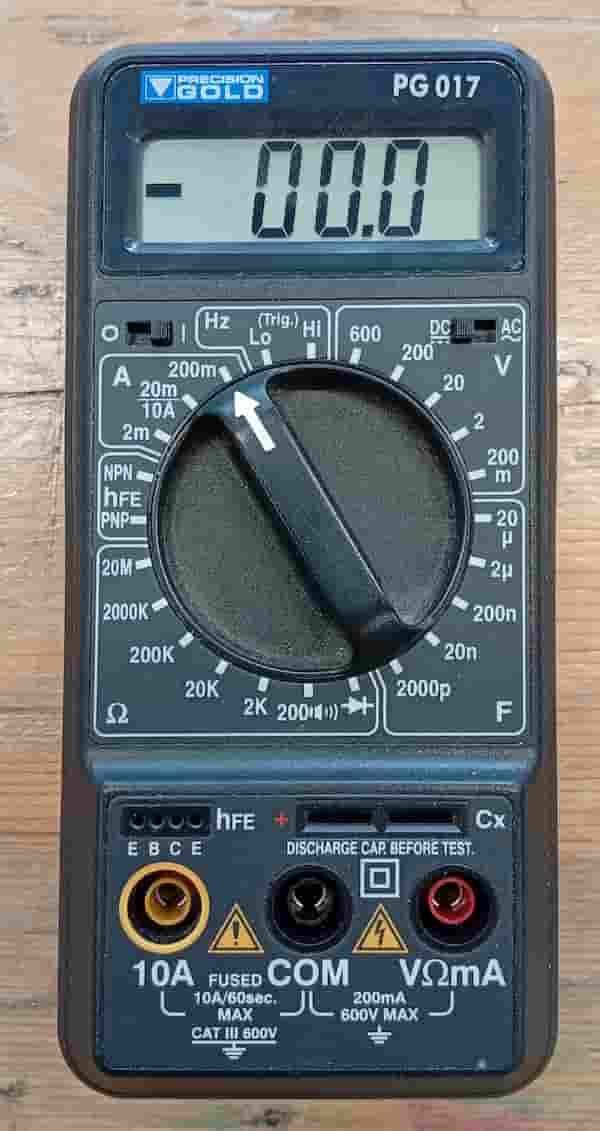
Multimeter
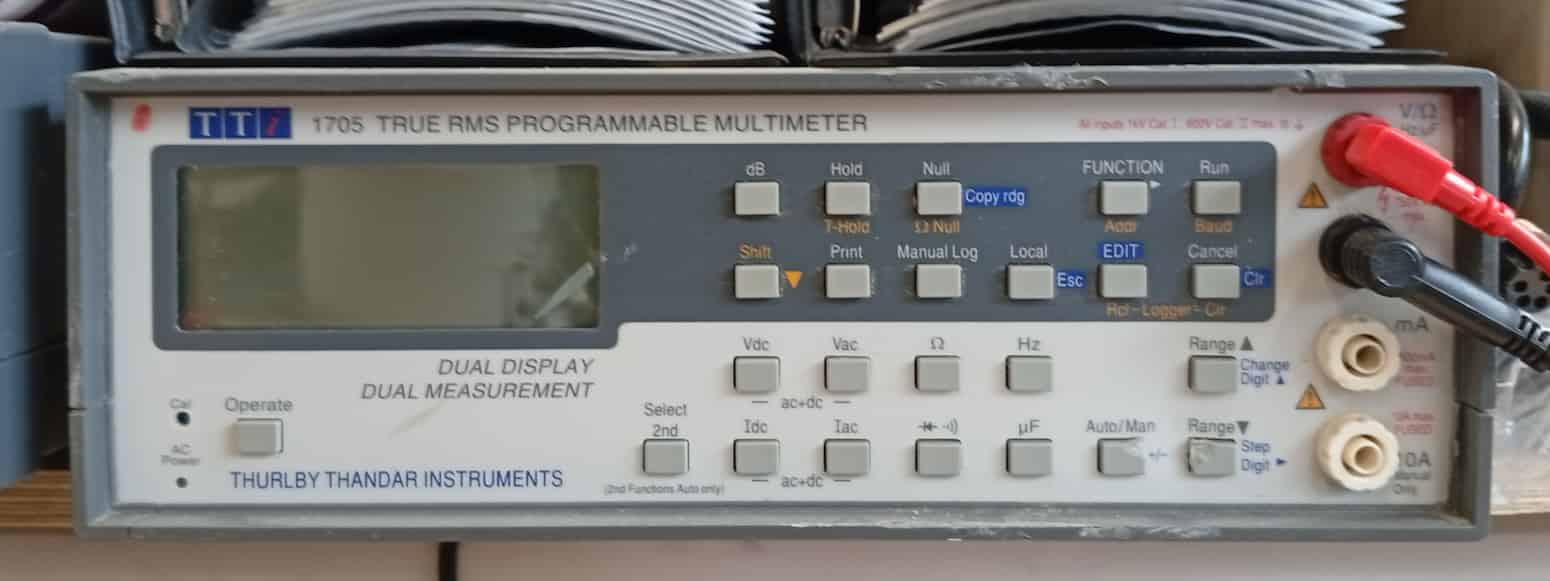
Multimeter, Desktop Version
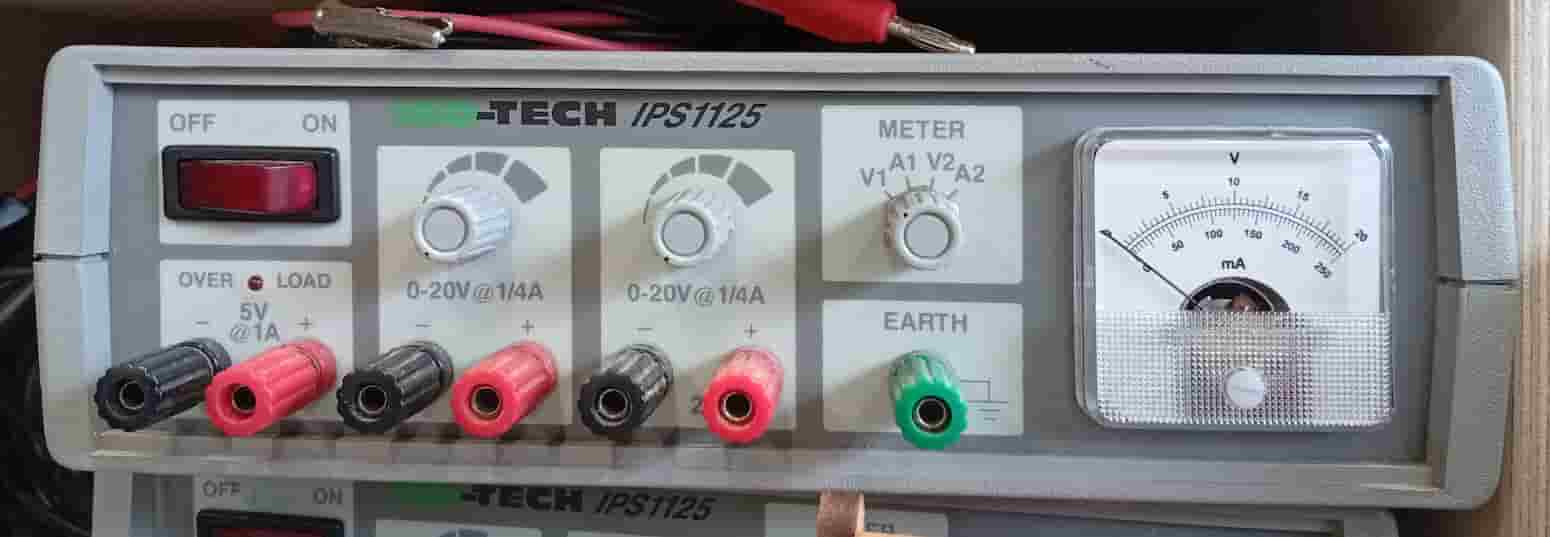
Power Supply
- Osciliscope
- Function Generator
Soldering
Demo:
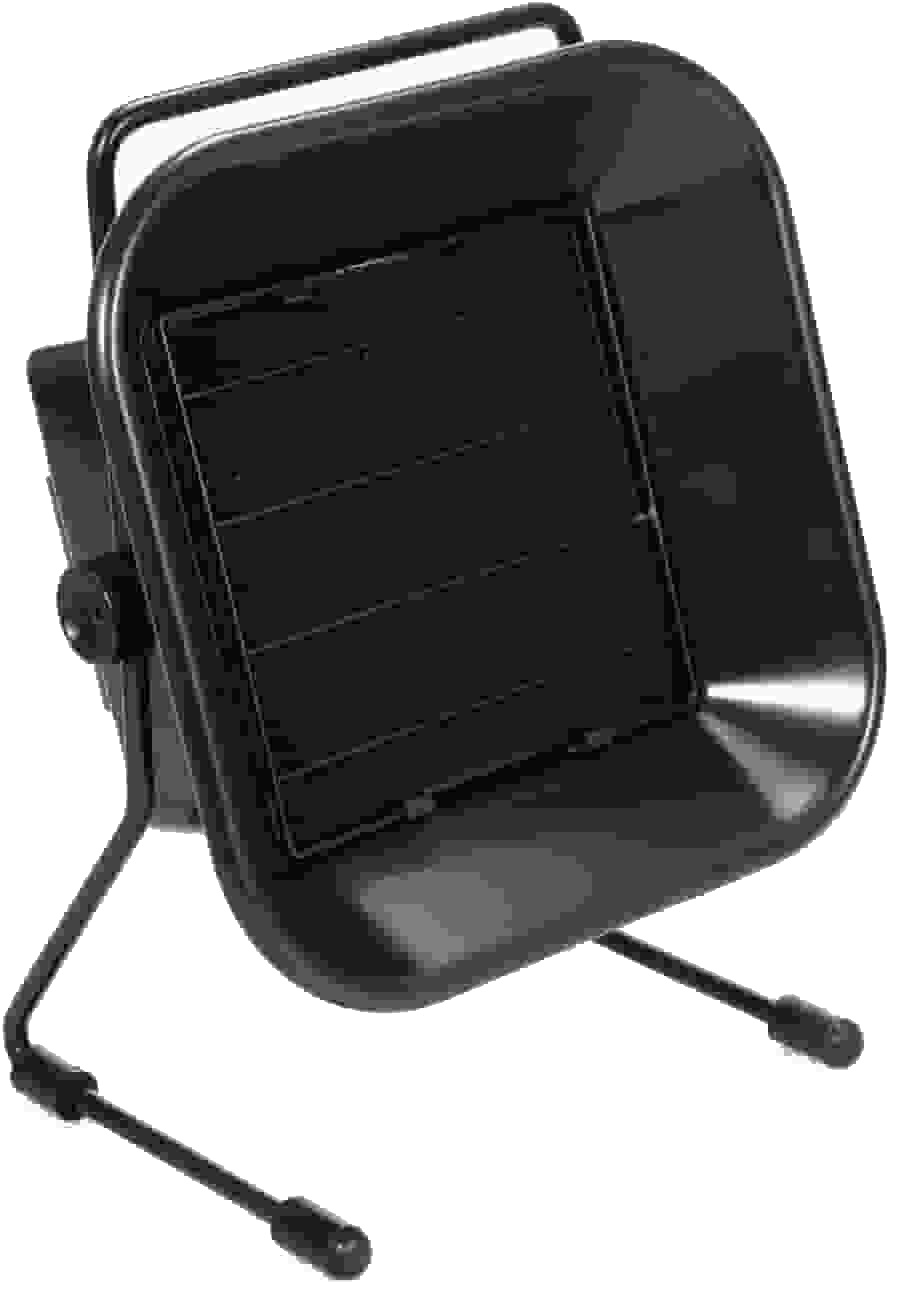
- Prepare a clean, stable, well-ventilated workspace. In the Fab Lab, Neoprene or cutting mats are available, portable desktop extractors are available.
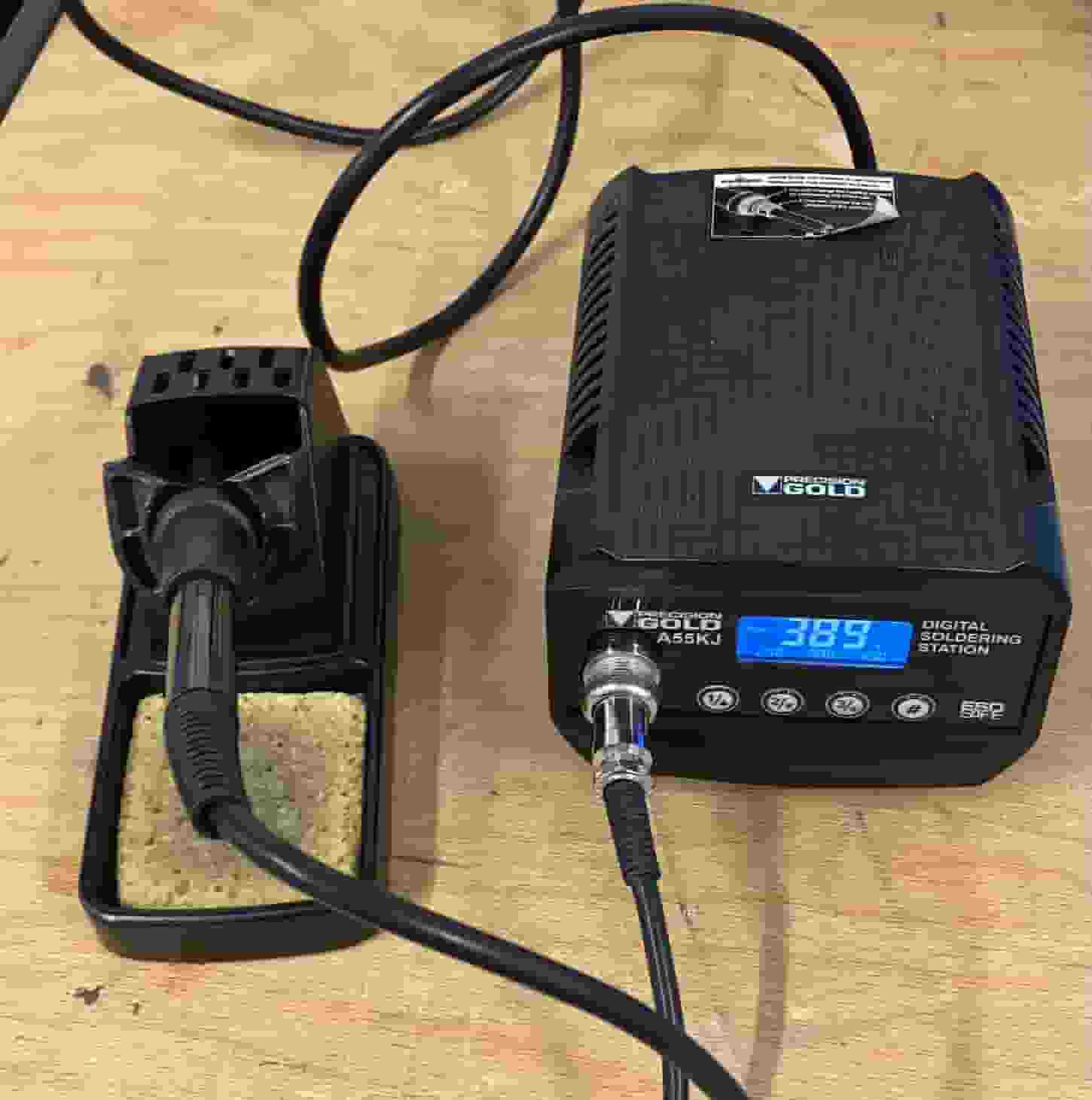
- Plug in the soldering station. (The power switch is on the right of the Fab Lab Solder Stations). By default it heats to 400ºC.
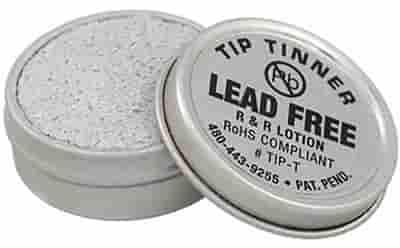
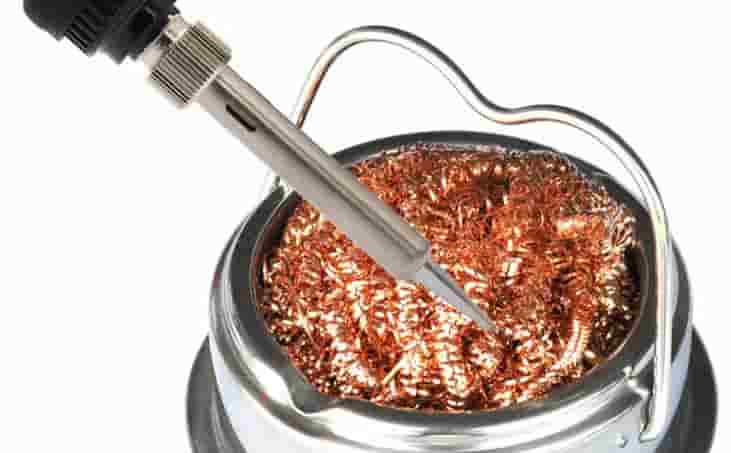
Clean the tip with the thinner, and wipe any excess from the tip with the copper wool.
If you need to leave the iron down at any point, use the stand.
- Arrange the components, wires or whatever you need to solder. Use the helping hands to make it easier on yourself!
- Heat the pad and component lead together
- Apply solder to the joint, and the iron to heat the joint.
- Inspect the joint (smooth and shiny)
- Trim excess leads
- Clean the tip. Turn off the iron.