Instruments
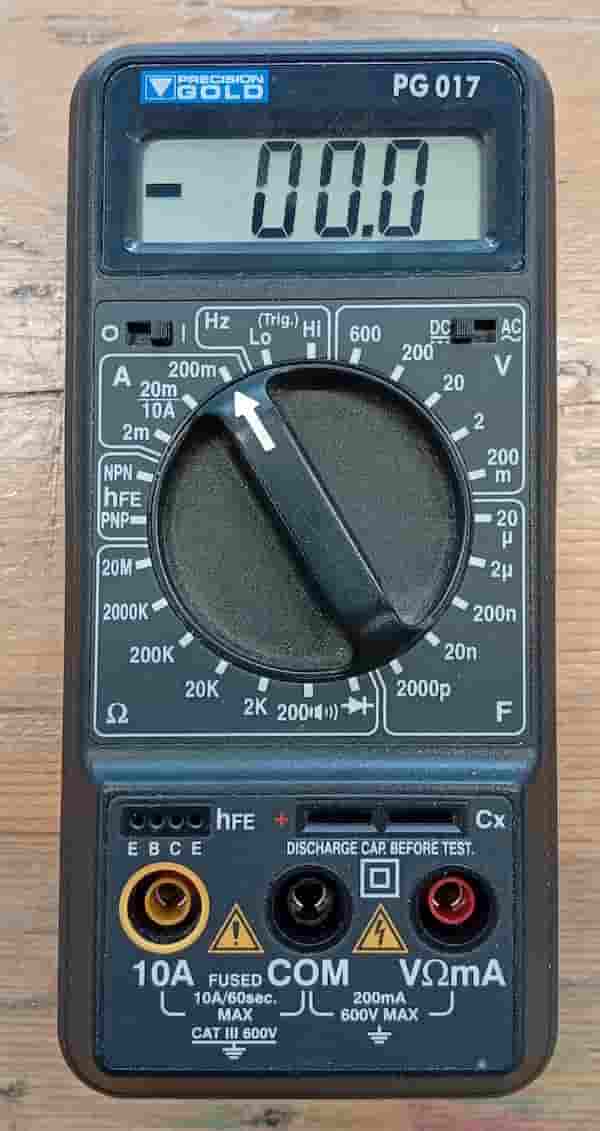
Multimeter
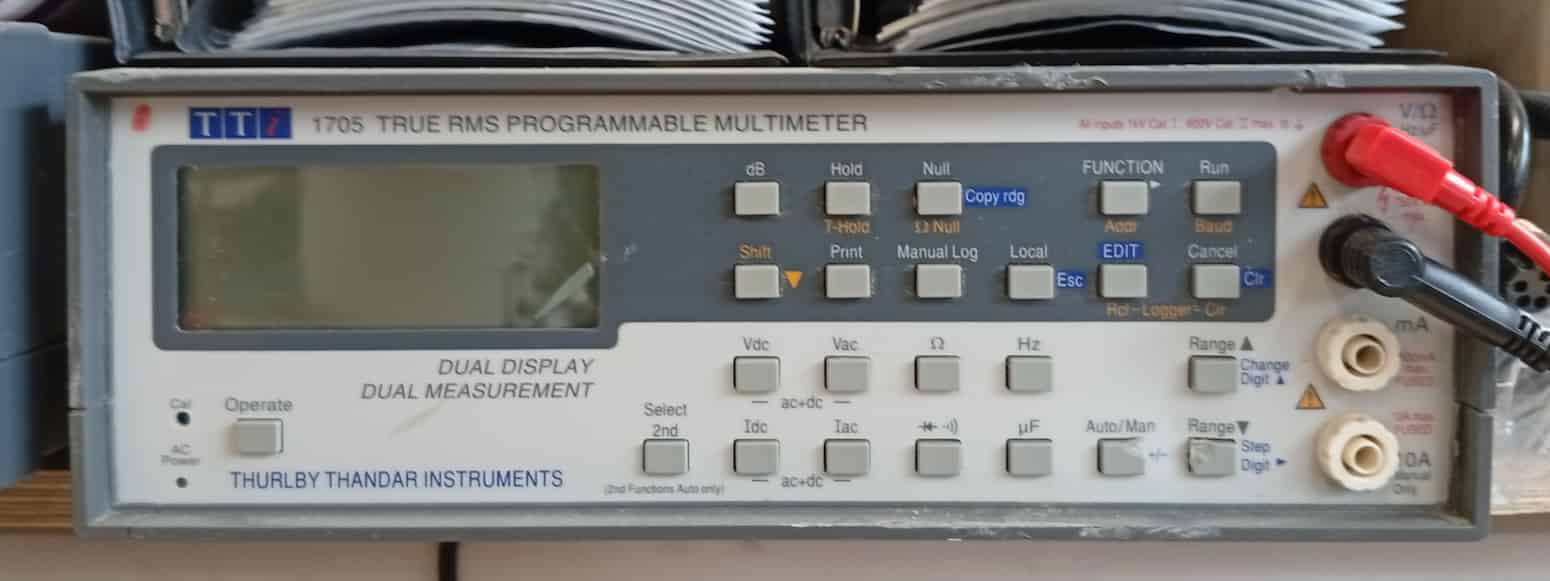
Multimeter, Desktop Version
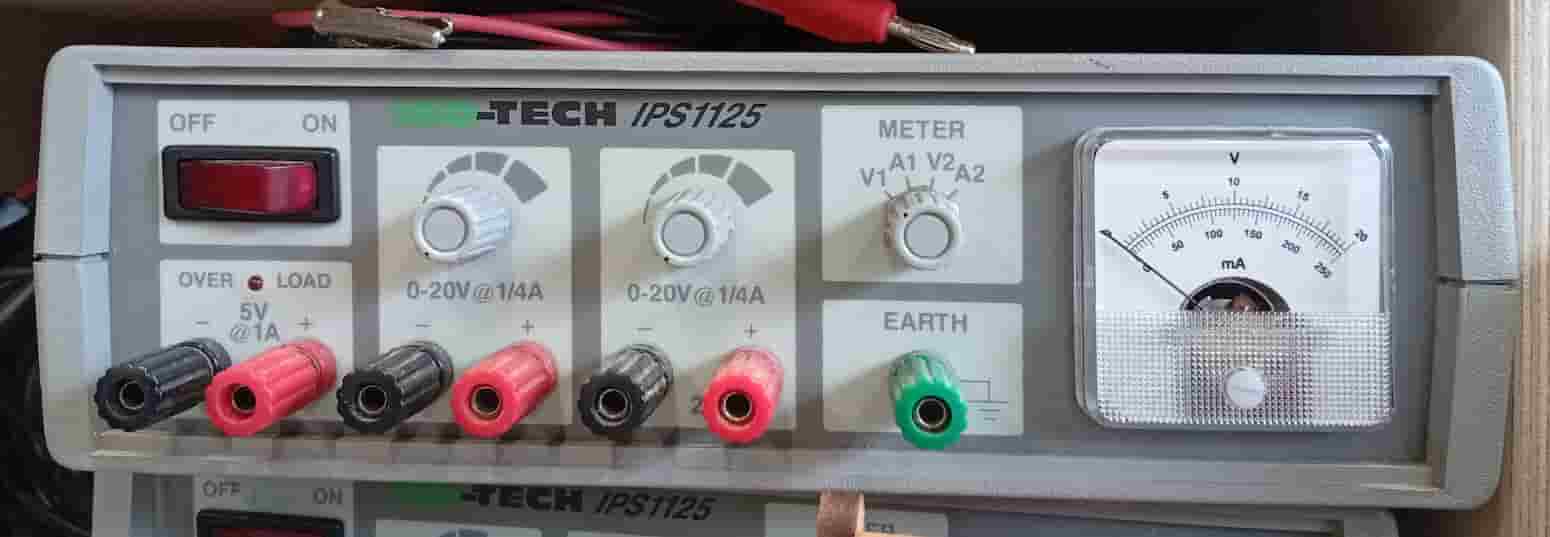
Power Supply
- Osciliscope
- Function Generator
Soldering
Demo:
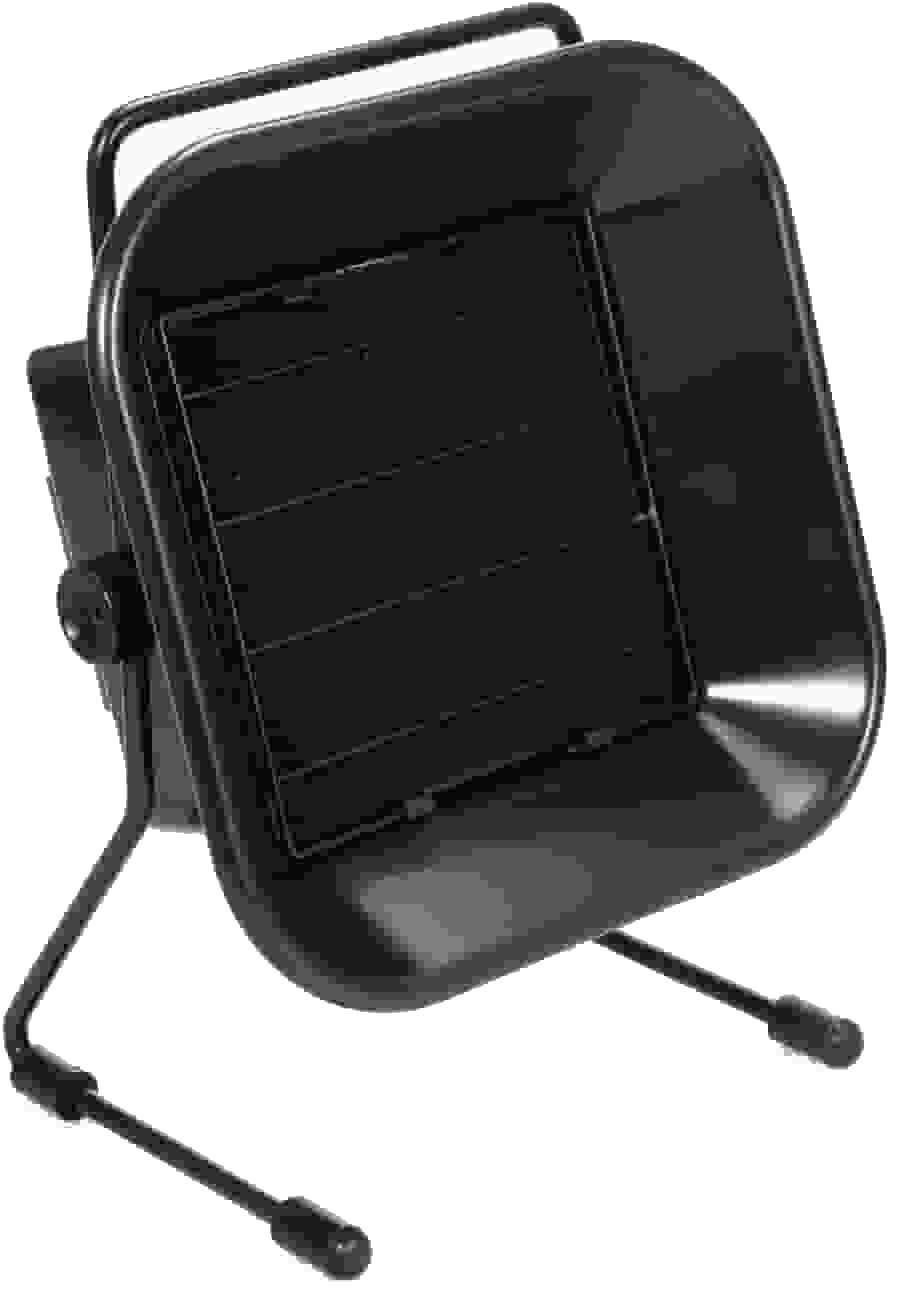 * Prepare a clean, stable, well-ventilated workspace. In the Fab Lab, Neoprene or cutting mats are available, portable desktop extractors are available.
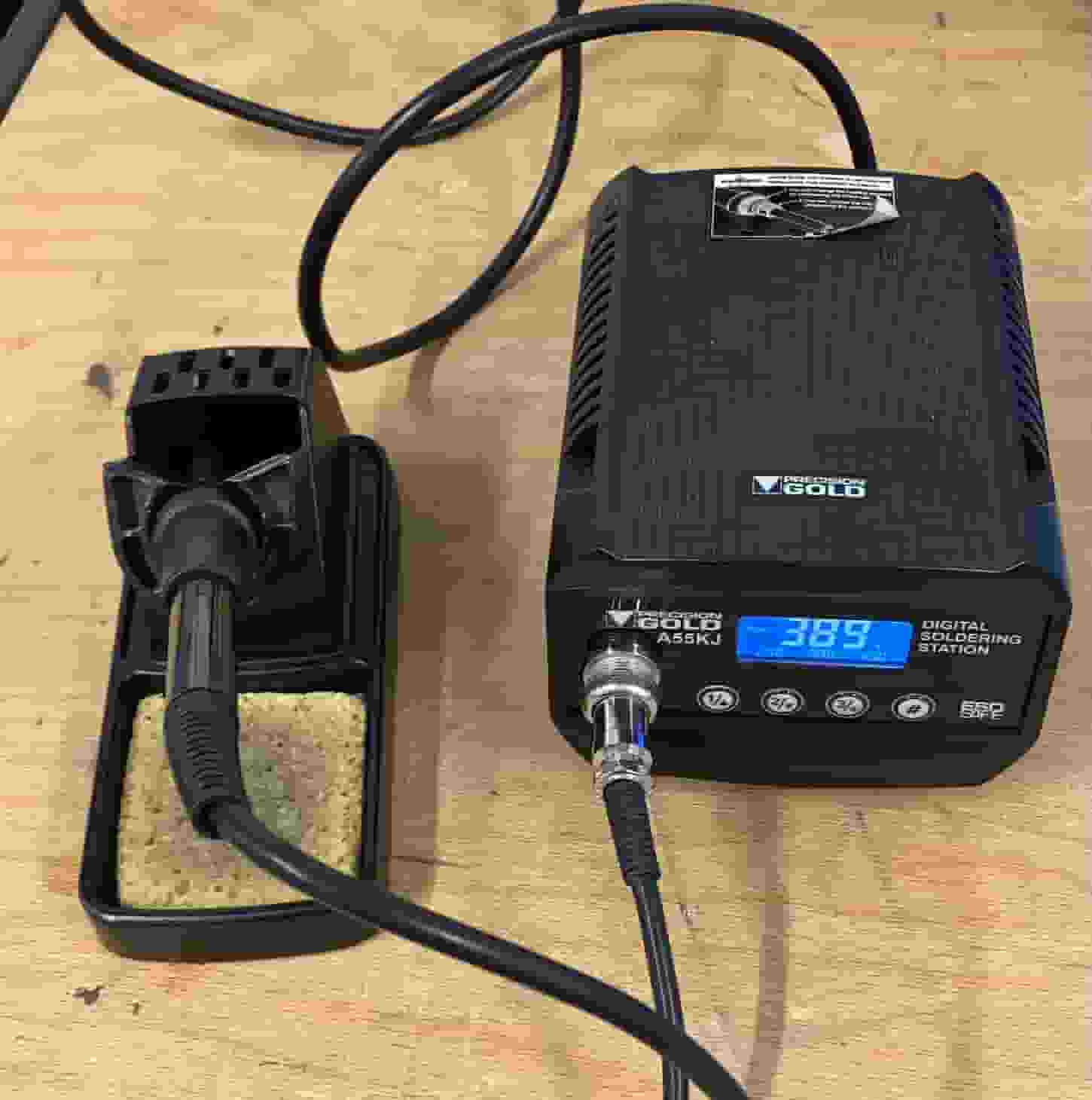 * Plug in the soldering station. (The power switch is on the right of the Fab Lab Solder Stations). By default it heats to 400ºC.
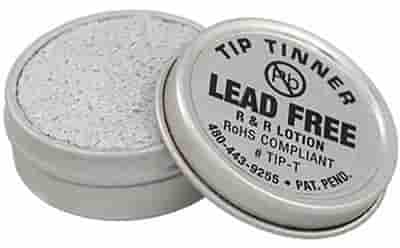
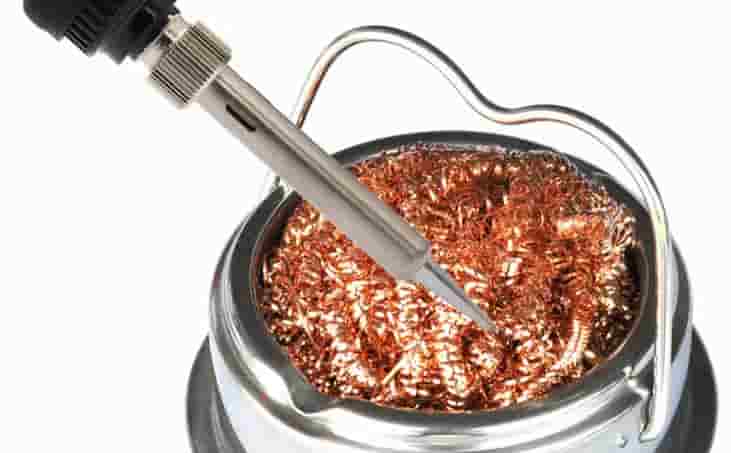 * Clean the tip with the thinner, and wipe any excess from the tip with the copper wool.
- If you need to leave the iron down at any point, use the stand.
- Arrange the components, wires or whatever you need to solder. Use the helping hands to make it easier on yourself!
- Heat the pad and component lead together
- Apply solder to the joint, and the iron to heat the joint.
- Inspect the joint (smooth and shiny)
- Trim excess leads
- Clean the tip. Turn off the iron.